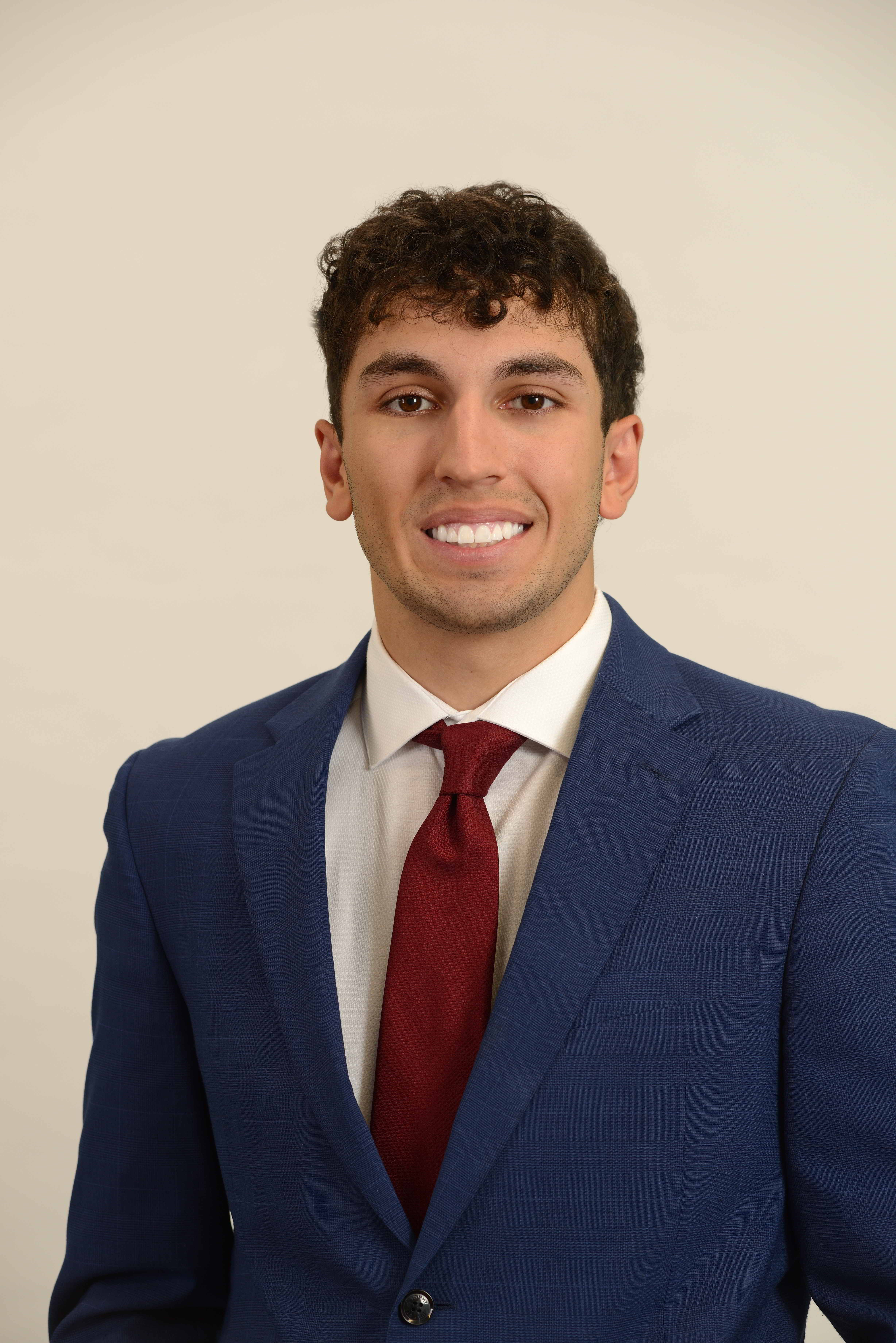
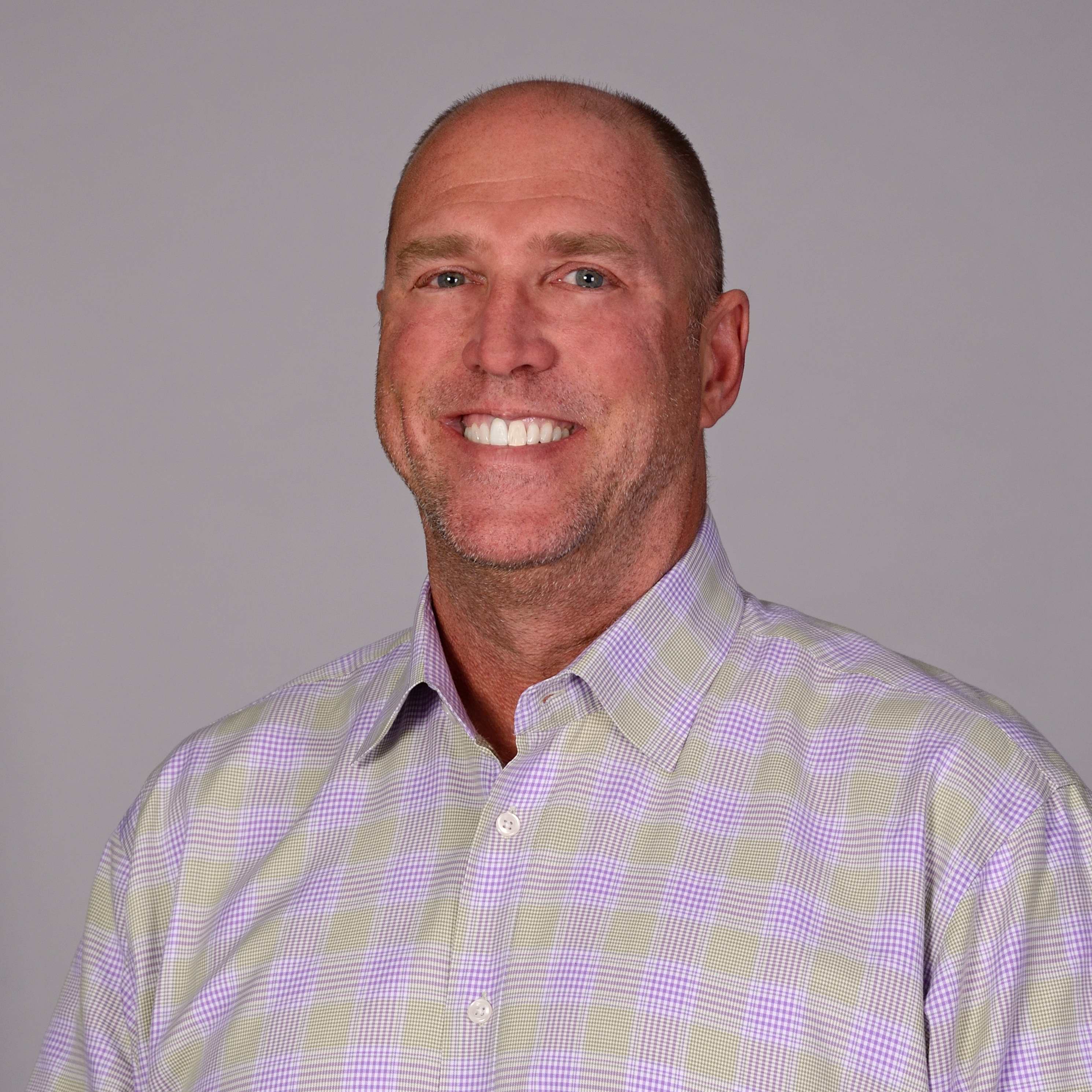
1) Clean Neutral (Light Gray / Warm Gray / Off-White)
Best for: corporate sites, professional services, finance, healthcare, law, B2B tech, HR recruiting
Why it works: neutral backgrounds keep attention on expression and wardrobe while looking timeless. They also compress well for web use and remain consistent across team growth.
Pro tip: Choose a specific neutral tone and stick to it. “White” is not one color. If you standardize a warm gray and keep lighting controlled, you can add new headshots over years without the gallery looking patched together.
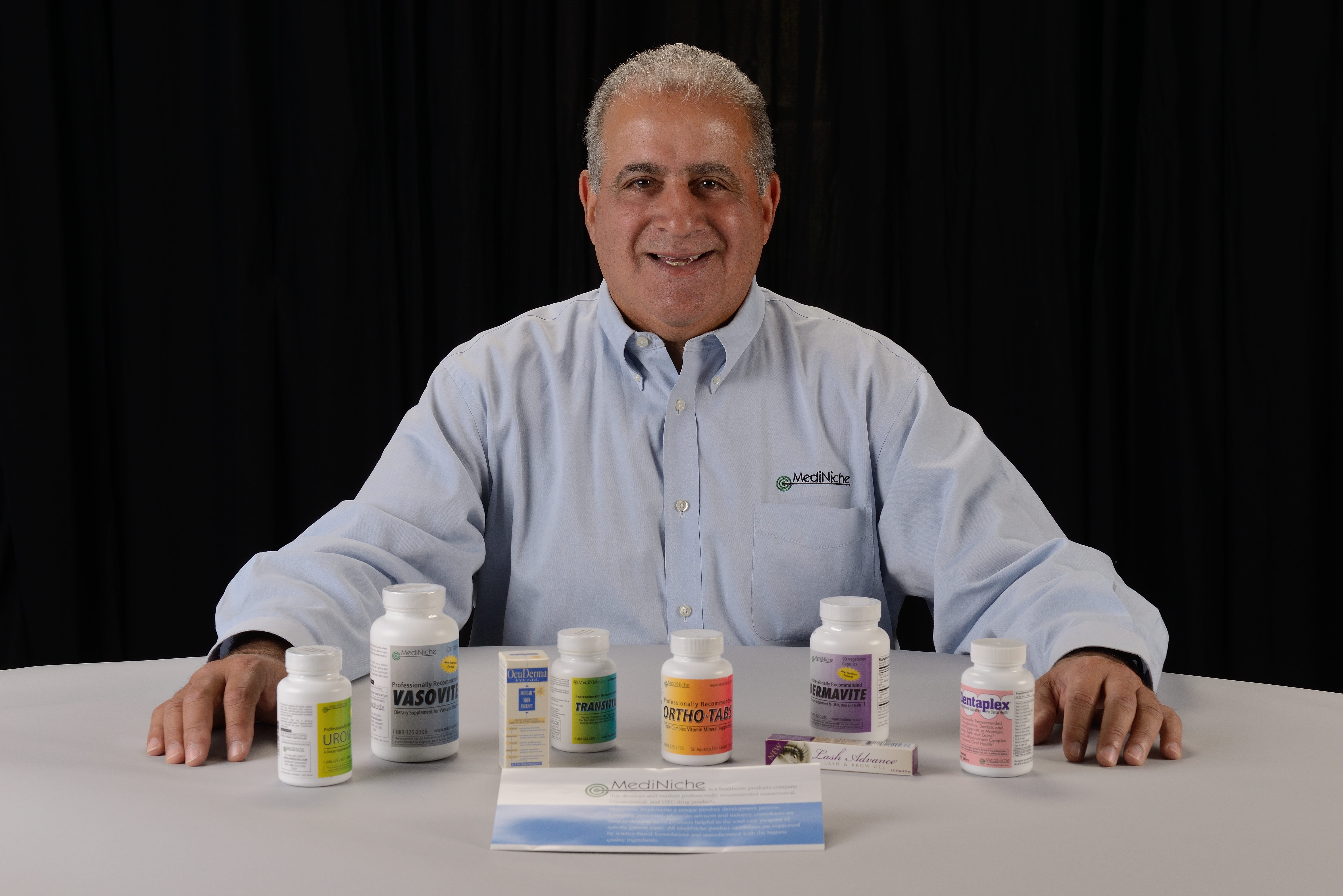
2) Dark / Charcoal / Black Studio Background
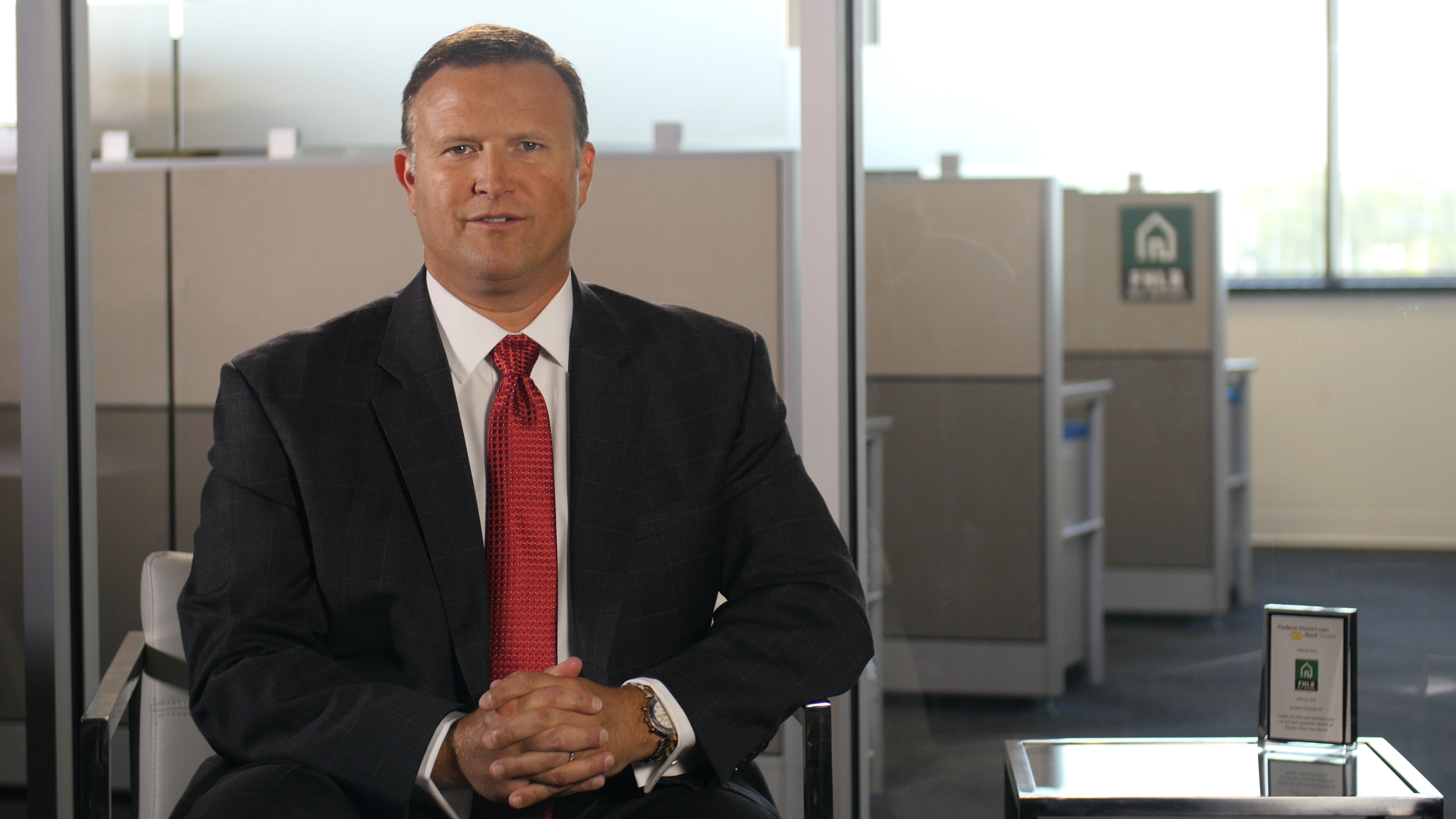
Best for: premium brands, executives, consultants, speakers, high-contrast brand aesthetics
Why it works: dark backgrounds create a deliberate, cinematic look that reads as high-end and confident—when lit correctly.
Watch-outs:
- Poor lighting makes faces look flat or harsh
- Dark jackets can disappear without edge separation (“rim” or hair light)
- Consistency matters—black can drift to muddy gray fast if exposure isn’t controlled
This background style can be a powerful “brand signature,” but it requires a crew that understands controlled lighting and repeatable setup.
3) Brand-Color / Brand-Tinted Background (Subtle, Not Loud)
Best for: companies with a strong visual identity and marketing maturity
Why it works: a subtle tint aligned to your brand palette can create instant recognition across website, campaigns, and recruiting assets.
How to do it right:
- Keep saturation low (often 5–15% of what people first imagine)
- Maintain natural skin tones (the subject should never look “colored by the wall”)
- Create a style guide: exact background tone + lighting ratio + crop standards
This works especially well when you want headshots to feel modern and intentionally designed—without looking trendy.




4) Soft Gradient / Vignette Background (Studio-Controlled)
Best for: leadership teams, speakers, sales teams, internal comms, modern corporate branding
Why it works: gradients create depth and polish. They also help the subject pop without feeling “cut out.”
Bonus: This look translates beautifully to video interview lighting, so a team can capture headshots and brand interviews in the same session.
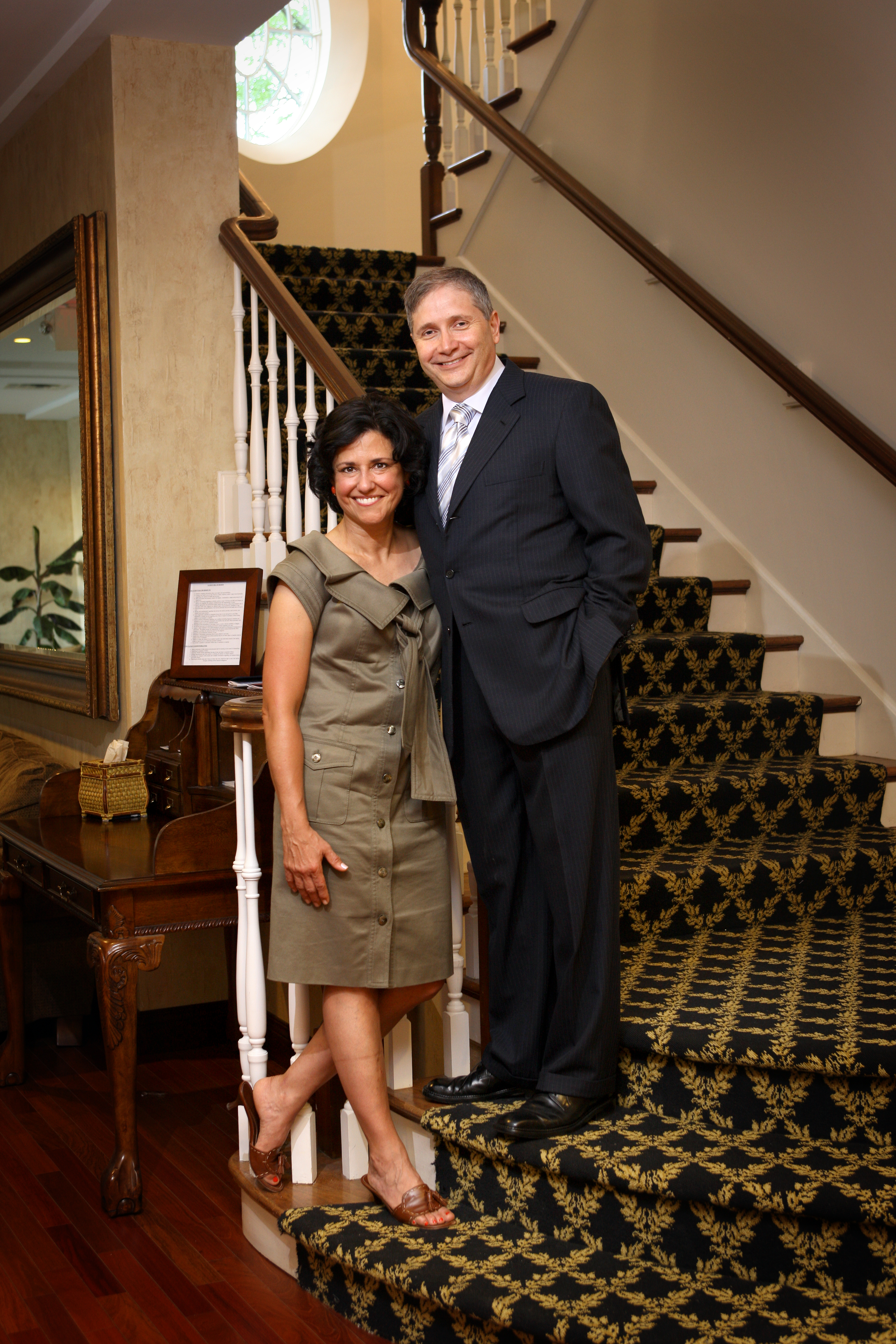
5) Environmental Background (Office, Lab, Shop, Studio, Job Site)
Best for: companies that want to emphasize authenticity, craft, innovation, or scale
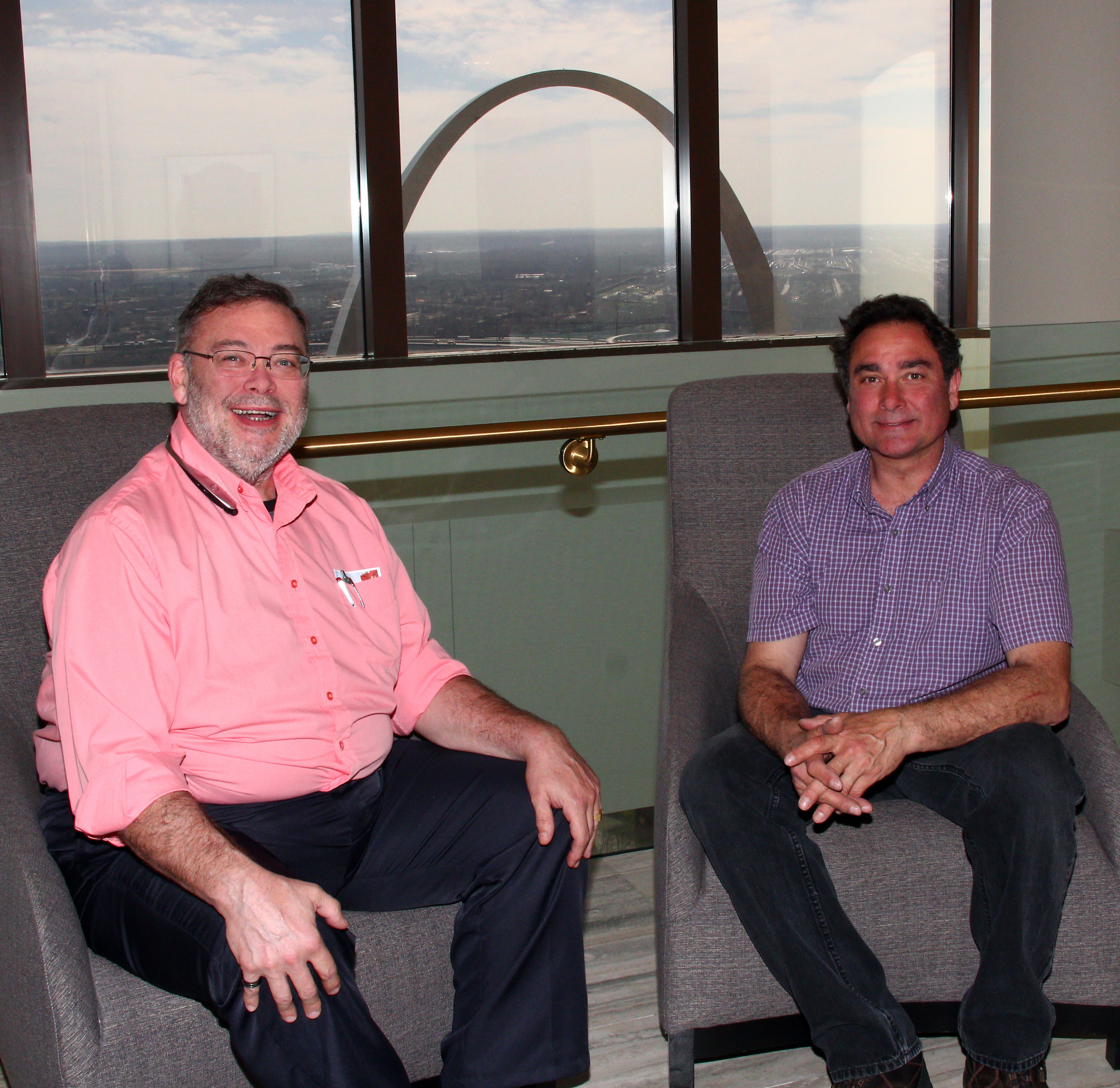
Why it works: environmental portraits communicate “real work, real place.” For many organizations, that’s more persuasive than a perfect studio wall.
But the bar is higher. Environmental backgrounds must be:
- intentionally chosen (not accidental clutter)
- controlled for brightness and color
- consistent enough that a team doesn’t look like a random collage
Smart approach: pick one or two branded environments and standardize angles and depth-of-field so the background reads as “your world,” not “whatever hallway was available.”
6) Texture (Concrete, Subtle Wood, Fabric, Architectural Detail)
Best for: creative agencies, architecture, boutique professional services, brands wanting warmth or craft
Why it works: texture adds personality while staying neutral—if it’s kept soft and out of focus.
Key rule: texture should be felt, not read. If the background becomes a “thing” people comment on, it’s probably too sharp or too busy.
7) AI-Assisted Background Extensions / Background Cleanup
Best for: brands that need scale and consistency across mixed locations or legacy images
Why it works: modern AI tools can help:
- remove distractions (outlets, stains, wrinkles, uneven seams)
- unify a set (tightening consistency across many subjects)
- extend backgrounds for different crops (web banners vs. LinkedIn crops)
Important: AI should support realism, not announce itself. The goal is brand consistency and clarity—not a “generated look.”
Used professionally, AI becomes a production multiplier: faster turnaround, cleaner sets, more consistent multi-session results.



How to Choose the Right Background for Your Brand
Here’s a simple decision framework marketing teams can use:
If your brand priority is trust + clarity
Choose clean neutral or soft gradient.
If your brand priority is premium + authority
Choose dark studio or a controlled gradient with higher contrast.
If your brand priority is authenticity + culture
Choose environmental (with discipline) or texture (subtle).
If your brand priority is consistency across growth
Choose neutral + a standardized lighting plan, and add AI-assisted cleanup when needed.








The Consistency Problem: Why Headshot Programs Fail
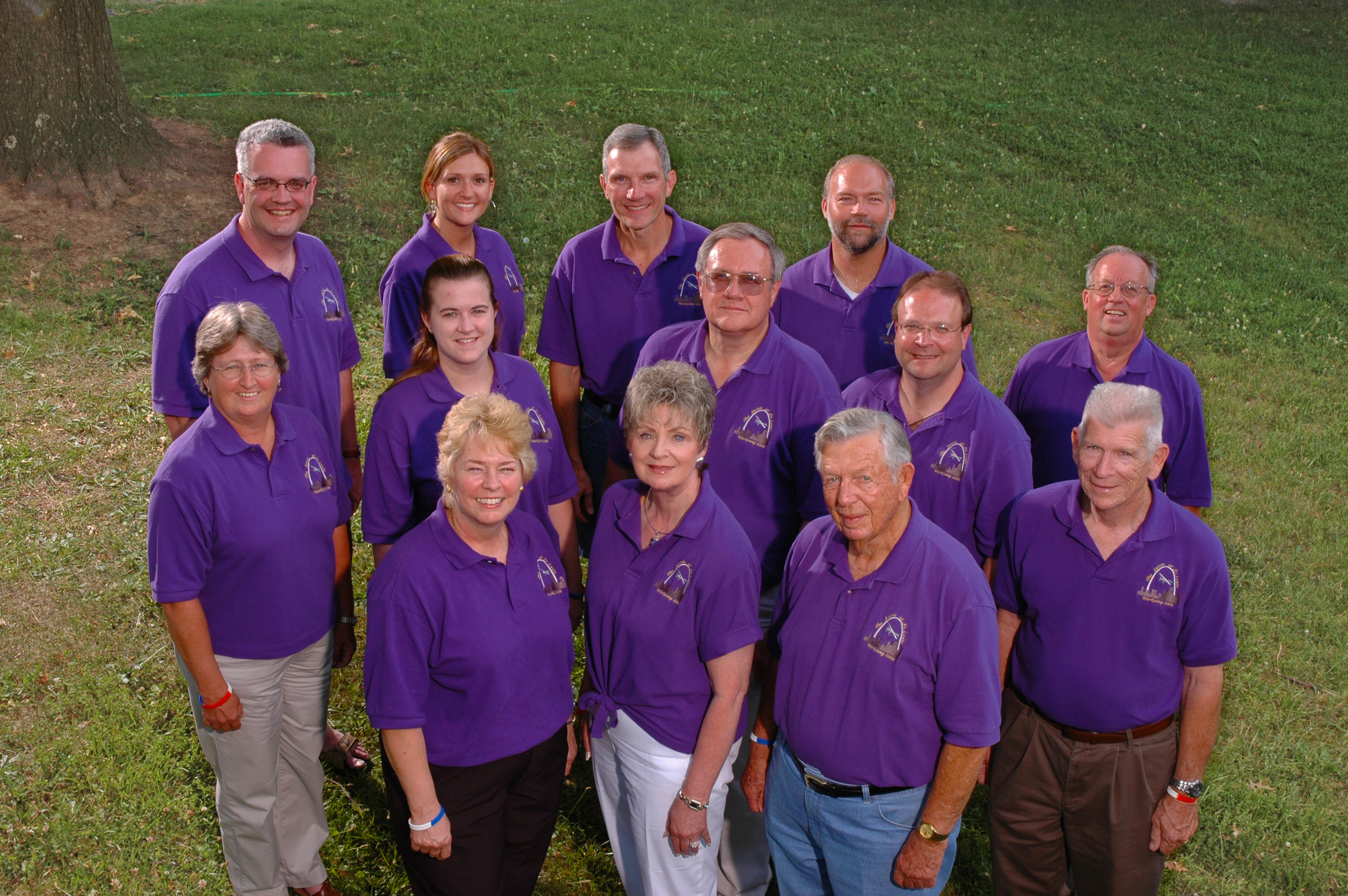
Most headshot programs fail because they’re treated as one-off events. The marketing team gets good images this year—and then hiring happens. Three months later, new employees are photographed elsewhere, in different lighting, different crops, different color temperature, and different backgrounds.
Now your leadership page looks inconsistent, your recruiting feels messy, and your brand loses polish.
A better model is a headshot system, not a headshot day:
- define 1–2 approved background styles
- lock a consistent lighting recipe
- standardize cropping rules
- build a repeatable process for onboarding new hires
- align photo + video setups to capture more assets in the same time window
This is how organizations get lasting value out of headshots—without re-shooting the entire company every year.
Background + Wardrobe + Retouching: The Three-Way Relationship
Background choice can’t be separated from wardrobe and finishing.
- A dark background with dark jackets needs separation lighting.
- A bright background can wash out lighter skin tones if exposure isn’t precise.
- Patterned clothing can moiré against textured backgrounds.
- Some backgrounds demand stronger retouching discipline so skin and color stay consistent across the team.
When done right, the result is not “heavily edited.” It’s simply clean, confident, and consistent.
Planning Tips for Marketing Teams and Admin Coordinators
If you’re organizing headshots for a team, the details matter more than the camera.
- Build a lookbook: 3–5 example poses, wardrobe guidance, and background style options
- Standardize crops: decide in advance how much headroom and shoulder width you want
- Create a shot list: who needs photo only vs. photo + short interview clips
- Schedule in waves: executives first, client-facing teams next, then new hires
- Capture a few brand images: quick b-roll or workplace portraits to support recruiting and culture content
The best headshot programs produce more than headshots—they produce a consistent visual identity across your entire marketing ecosystem.
Why St Louis Business Portraits Is Built for Brand-Accurate Headshots and More
At St Louis Business Portraits, we approach headshots as part of a larger brand production system—because that’s what decision makers actually need: consistency, scalability, and assets that work across platforms.
As a full-service professional commercial photography and video production corporation since 1982, St Louis Business Portraits has worked with many businesses, marketing firms, and creative agencies throughout the St. Louis area, supporting real-world marketing demands—from executive branding to large team rollouts.





We offer:
- Full-service studio and location photography and video
- Editing and post-production with consistent brand finishing across large teams
- Licensed drone services—including the ability to fly specialized drones indoors when appropriate for the production
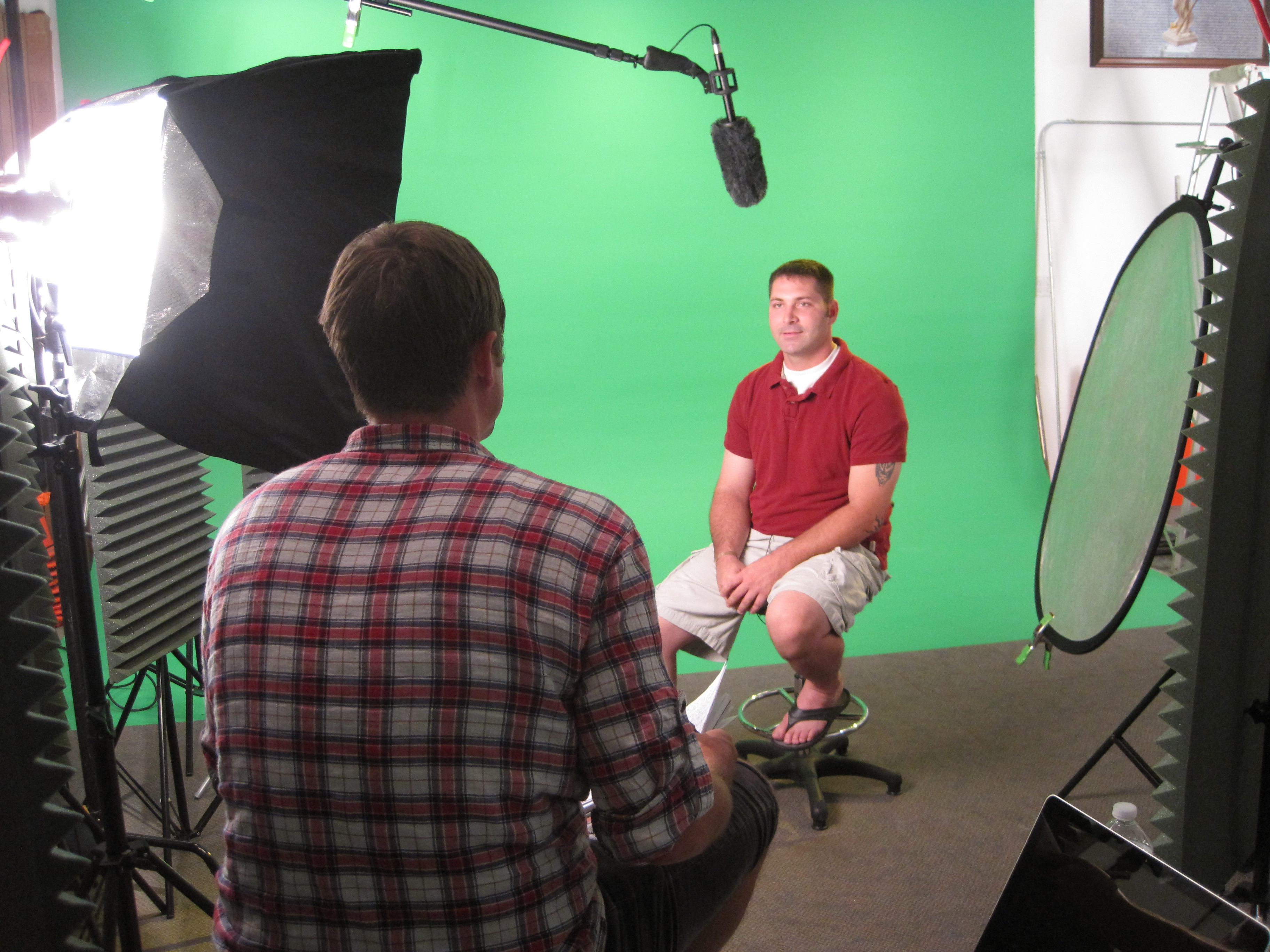
- Custom production support for diverse media requirements, including private, custom interview studio builds
- Professional sound and camera operators and the right equipment to ensure dependable, repeatable image acquisition
- Deep experience across all file types, media styles, and accompanying software
- The latest in Artificial Intelligence to streamline workflows, refine consistency, and improve delivery efficiency—without sacrificing realism
- A private studio lighting and visual setup that’s perfect for small productions and interview scenes, with space to incorporate props to round out your set
And because we specialize in repurposing your photography and video branding to gain more traction, we design sessions so you leave with more than a headshot—you leave with a library of usable assets that strengthen your website, recruiting, social content, presentations, and internal communications.
If you want headshot backgrounds that truly fit your brand—and a production partner who can execute the look consistently across teams and time—St Louis Business Portraits is built for that.
314-913-5626
stlouisphotos@gmail.com
Mike Haller
Studio – 4501 Mattis Road St Louis, MO 63128







 St Louis Business Portraits